Troubleshooting
If you encounter an issue that cannot be resolved here, please send the project file (*.wsdb and the associated folder) to info@welsim.com for investigation.
Issue 1: No graphical window (No OpenGL driver)
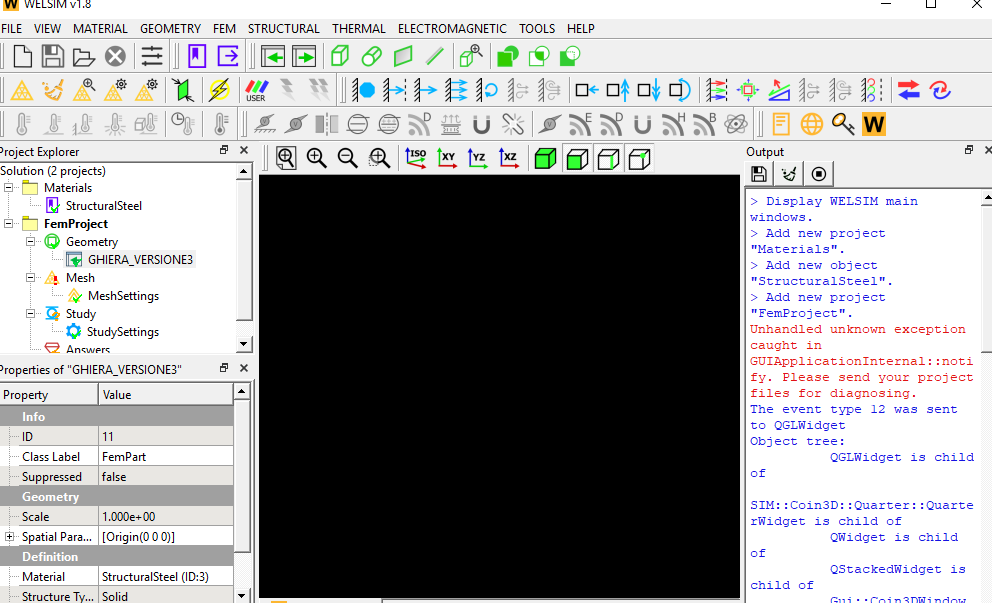
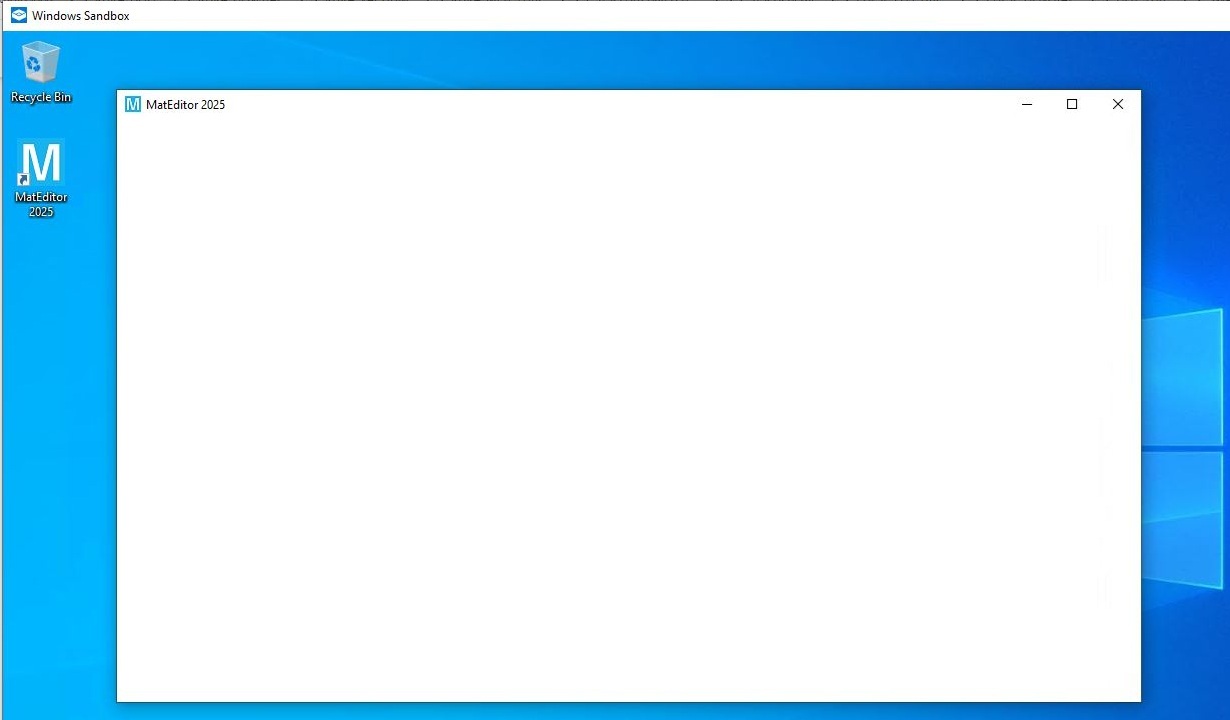
The graphics window fails to display items, or no window is even displayed.
-
Cause: This is because of a lack of OpenGL drivers, or an old version of OpenGL. This often happens in a Windows OS hosted in a Sandbox environment.
-
Solution: Install or update the OpenGL drivers latest version. If this occurs in a sandboxed Windows, install the Mesa for Windows distribution, and deploy the OpenGL software to the application using the included perappdeploy.bat batch file.
Issue 2: Result mesh data mismatching
The result contour fails to display because of mismatched mesh. The error message of this issue is shown below.

- Cause: This issue is because of mismatched data between the result and mesh.
- Solution: This could be a software defect, so please send the model to [email protected] for investigation.
Issue 3: Excessive solving time for explicit transient structural analysis
When using OpenRadioss as the solver for transient structural problems, the solving time can be significantly longer than expected.
- Cause: When the material density is too small, it can lead to very small time steps, which in turn causes the solving time to be excessively long.
- Solution: Check the material density value, and increase the value if it is incorrect.
Issue 4: CFD model
When using SU2 as the solver to compute a CFD model, the solving completes successfully, but the results cannot be read or the contour plots cannot be displayed.
- Cause: The file name or file path is too long. SU2 has a limit on the length of the output path for results.
- Solution: Save the project file (*.wsdb) to a directory with a shorter path to reduce the total length of the full file name. Re-solve the model, and the results will be readable.